Download the 999v App and Play Full Screen on Your Phone
The 999v App puts slots, live casino, and cricket betting right on your Android screen. No browser lag, no typing long URLs — just tap and play. Free to download, works on Android 7.0 and above.
Version 2.2.14 · 45 MB · Android 7.0+ · Updated 21 Nov 2026
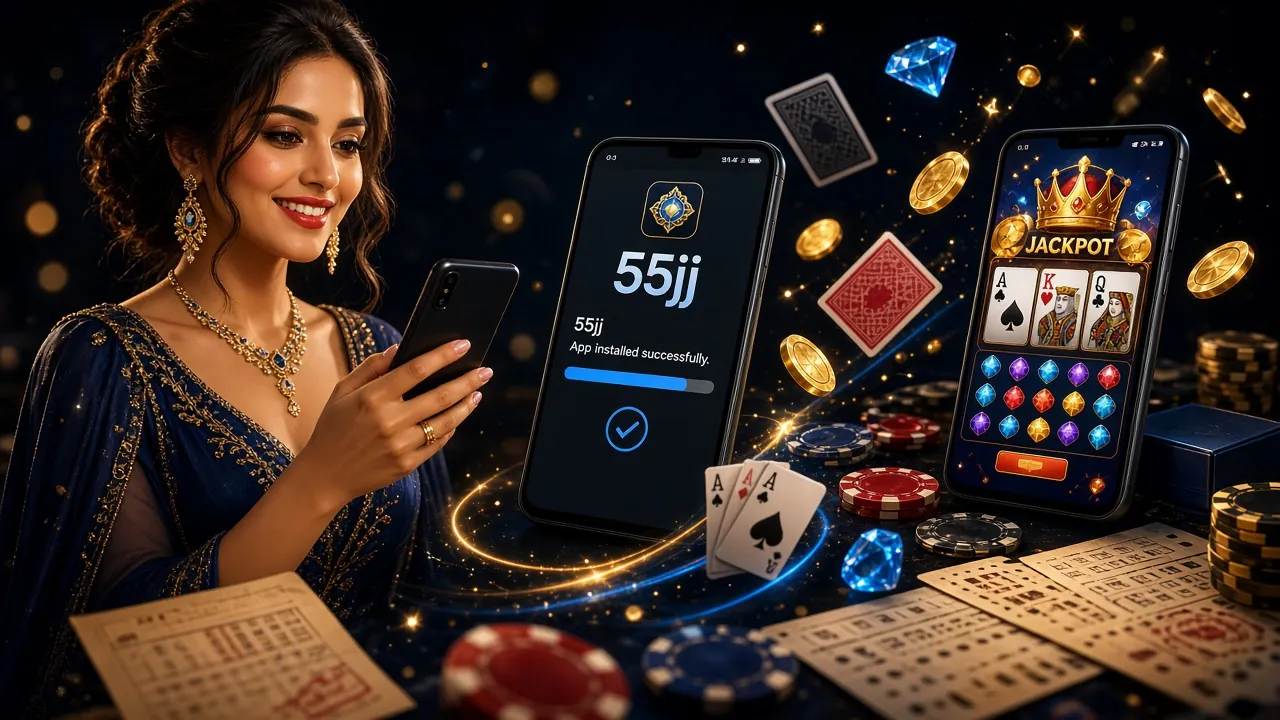
999v App — File Details and Download
Everything you need before you tap that download button.
| App Version | 2.2.14 |
| File Size | 45 MB |
| Minimum Android | Android 7.0 (Nougat) |
| Last Updated | 21 November 2026 |
| Price | Free |
| Language | English / Roman Urdu |
| File Name | 999v.apk |
Scan this QR code on your phone to go straight to the APK download. No searching needed.
iPhone Users — Add to Home Screen
The 999v App APK is for Android only. If you are on iPhone, use the web version as a shortcut instead. It opens like a native app — no App Store needed. For a full guide, see 999v on iPhone (iOS).
-
Open Safari
Go to 999v.im in Safari on your iPhone. Other browsers (Chrome, Firefox) do not support the Add to Home Screen shortcut properly.
-
Tap the Share button
The share icon is at the bottom of the screen — it looks like a box with an arrow pointing up.
-
Select "Add to Home Screen"
Scroll down in the share sheet until you see this option, then tap it.
-
Confirm the name and tap "Add"
You will see a 999v icon on your home screen. Tap it any time to open the site in full-screen mode.
Games waiting inside the app


Over 2,500 games load faster inside the app than in a browser — slots, fishing games, crash titles like Aviator, and live dealer tables. Tap any game to jump straight in. Want to explore the full range? Check the Casino page.
Register to PlayInstalling the APK on Android — Step by Step
Takes about two minutes. Android 7.0 or higher required.
-
1
Allow installs from unknown sources
Go to Settings → Security (on some phones: Settings → Apps → Special App Access → Install Unknown Apps). Find your browser or file manager and turn on Allow from this source. You only need to do this once.
-
2
Download the APK file
Tap the Download APK button on this page. Your browser will save 999v.apk (45 MB) to your Downloads folder. Wait for the download to finish — a stable 4G connection takes under a minute.
-
3
Open the downloaded file
Pull down your notification shade and tap the completed download notification. Or open your Files / My Files app, navigate to Downloads, and tap 999v.apk. Your phone will show an install prompt.
-
4
Tap "Install" and wait
The installer shows the app permissions. Tap Install. It takes around 10–20 seconds. Do not press the back button during installation or the process will cancel and you will have to start again.
-
5
Log in or create your account
Once installed, tap Open. If you already have an account, go to 999v Login and sign in. New player? Tap Register inside the app or visit 999v Register — it takes under three minutes.
Before you install
- Your phone must run Android 7.0 or higher. Check in Settings → About Phone.
- You need at least 120 MB of free storage (45 MB for the file, plus room to install).
- Download only from this page — 999v.im. Do not use third-party APK sites.
- After install, you can turn off "unknown sources" again if you prefer.
What You Can Do Inside the App
Everything in one place — no switching between tabs or browsers.
One-tap login
Your session stays active. No re-entering passwords every visit. Biometric login supported on compatible Android models.
Deposit and withdraw
Top up with JazzCash, Easypaisa, NayaPay, or bank transfer directly in the app. Deposits clear in about 5 minutes, withdrawals in around 22 minutes. Minimum deposit Rs 400.
Live dealer games
Evolution and Ezugi live tables stream smoothly on a 4G connection. Play Andar Bahar, Dragon & Tiger, and roulette in real time.
Push notifications
Get alerts for bonus credits, reload offers, and your withdrawal status — without opening the app. Turn them on in the app settings.
Cricket and sports betting
PSL, T20 internationals, and ODI matches are listed with live odds. Place bets during a match and track results without leaving the app.
24/7 live chat support
Tap the chat icon any time — day or night. Support agents respond quickly for deposit issues, withdrawal questions, or account access problems.
Fixing Common APK Install Errors
Most install failures have a simple fix. Find your error below.
| Error / Problem | Why it happens | How to fix it |
|---|---|---|
| Install blocked by phone | Unknown sources setting is off — Android blocks APKs from outside the Play Store by default. | Enable "Install unknown apps" for your browser in Settings → Security, then try again. |
| "Parse error" or "package problem" | The APK file did not download completely, or your Android version is below 7.0. | Delete the partial file, check your internet connection, and re-download from this page. Confirm your Android version in Settings → About Phone. |
| Not enough storage | Less than 120 MB free on your phone. The APK alone is 45 MB and needs extra space to unpack. | Go to Settings → Storage and delete unused apps or media files until you have at least 150 MB free. |
| App installed but won't open | An older version of the 999v APK is conflicting with the new one. | Uninstall the existing version first, then install the new APK. Your account stays safe — just log in again. |
| App crashes immediately | Corrupted install or very low available RAM (under 1 GB). | Restart your phone, clear background apps, then reopen 999v. If it still crashes, uninstall and reinstall the APK fresh. |
Still stuck? Open the 24/7 live chat inside the app or visit the App Install Problems guide for more detailed steps.
App vs Web Browser — Which Option Works for You?
Both give you full access to games and payments. Here is how they differ.
| Feature | 999v App (Android APK) | Web Browser |
|---|---|---|
| Load speed | Faster — cached assets, no DNS lookup | Slightly slower on first open |
| Data usage | Lower — app pre-loads common assets | Higher per session |
| Push notifications | Yes — bonus alerts and withdrawal status | Not available |
| Install required | Yes — download 45 MB APK once | No install needed |
| Works on iPhone | Android only | Yes — Safari or Chrome |
| Full-screen experience | No browser chrome, true full screen | Address bar visible |
| Best suited for | Regular players on Android who want speed and notifications | iPhone users, quick one-off sessions, or when you can't install APKs |
If you play more than a few times a week on Android, the app is the better choice. For everything else, the web version works fine — visit 999v Web Version Access for details.
Getting the App Running on Budget Android Phones and Slow Connections
Lower-end devices and 3G networks can still run the app well with a few adjustments.
Low RAM devices (1–2 GB)
Close all background apps before launching 999v. Stick to slots and crash games, which use less processing power than live-stream tables. Restart the app if it feels sluggish after 30+ minutes.
Unstable 3G or slow 4G
Slots and card games load fine on 3G. Avoid live dealer games if your signal is weak — the video stream drops frames and bets can time out. Switch to a different slot title until your connection improves.
Save battery during long sessions
Turn off auto-spin on slots and reduce your screen brightness. Enabling Battery Saver mode on your phone does not affect gameplay but noticeably extends session time on older batteries.
Reduce data consumption
In the 999v App settings, enable Low Data Mode if available. This reduces animation quality slightly but cuts data use by roughly half — useful when on a limited mobile package.
Keeping the app up to date
New APK versions are released on this page. The app does not auto-update. Check the version number at the top of this page against the one in your app settings. Install the new APK over the old one — no data is lost.
Free up storage regularly
The app stores some game assets locally to load faster. If your phone runs critically low on space, go to Settings → Apps → 999v → Storage and tap Clear Cache. This does not log you out or affect your balance.
Questions Players Ask About the 999v App
Straight answers — no filler.
01 Is the 999v APK safe to download and install?
Yes. The APK hosted on this page is the official 999v App file. Download only from 999v.im — not from third-party APK sites, which may bundle adware. The file is 45 MB and does not request unnecessary permissions. After installing you can disable "unknown sources" in your phone settings if you prefer.
02 Why does my Android phone block the install?
Android blocks APKs from outside the Play Store by default to protect users. To install the 999v App, go to Settings → Security → Install Unknown Apps, find your browser, and enable it. Some phones label this option differently — search "unknown apps" in your phone's settings search bar if you can't find it.
03 How do I update the 999v App to a newer version?
The app does not update itself. When a new version is released, the version number at the top of this page changes. Download the new APK and install it on top of the existing app — just tap Install when prompted. Your account, balance, and history are all stored server-side, so nothing is lost during the update.
04 Can I use the same account on the app and the website?
Yes. Your 999v account works across the app and the browser version. Log in with the same username and password on any device. Your balance, bonuses, and transaction history are always in sync. If you have not registered yet, you can do so at 999v Register — it takes under three minutes.
05 Is there an iOS version of the 999v App?
There is no App Store version at this time. iPhone users can access the full platform through Safari by visiting 999v.im and adding it to their home screen for a near-native experience. The web version supports all games, deposits, and withdrawals. See the 999v on iPhone (iOS) guide for step-by-step instructions.
06 What payment methods work inside the 999v App?
The app supports all the same payment methods as the website: JazzCash, Easypaisa, NayaPay, and bank transfer. The minimum deposit is Rs 400. Deposits usually clear within about 5 minutes. Withdrawals process in around 22 minutes. The minimum withdrawal amount is Rs 2,000. For step-by-step deposit help, see the Deposit Guide.
- SSL Encrypted
- 18+ Only
- 24/7 Support
- JazzCash
- Easypaisa
- Android 7.0+
Ready to install the 999v App?
Download the APK now — it is free, takes under two minutes to install, and runs on any Android phone with version 7.0 or above.
18+ · Play Responsibly · v2.2.14 · 45 MB